
Attach the HWP or Word File You Already Have, and Start the Deck from It
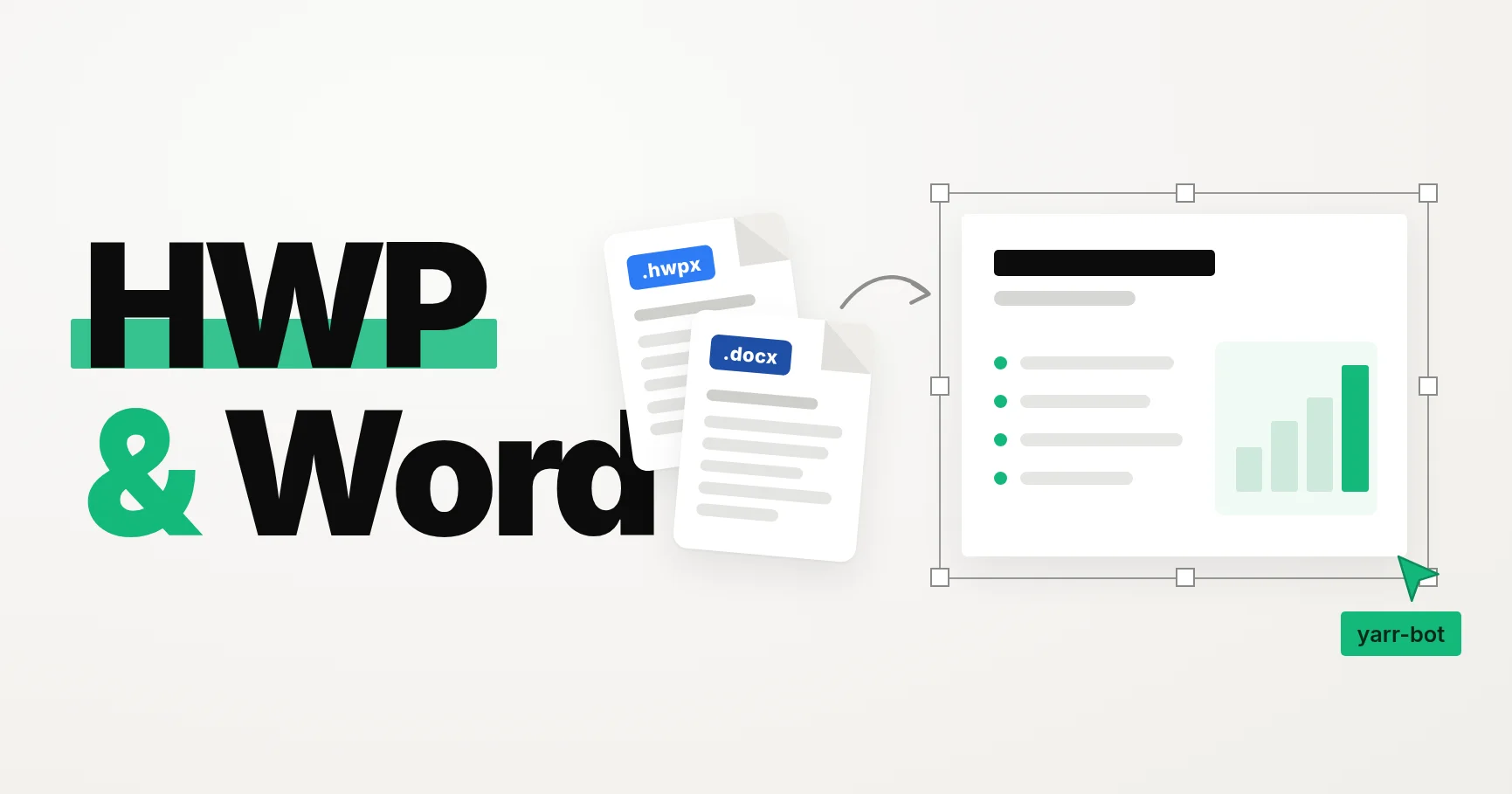
The content is often already written in an HWP or Word file: a business plan, a proposal, a report. The presentation still tends to start from a blank page.
Until now, Snapdeck needed that document converted to PDF first, or its text pasted into the prompt. From this update, you can attach HWP and Word files as they are.
Upload the document you already use
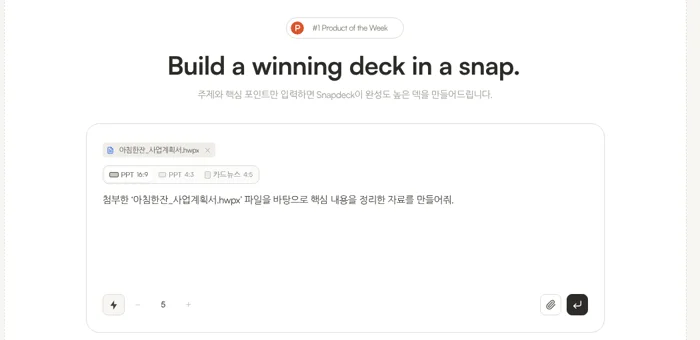
When you attach a file in the home prompt, in Draft, or in project chat, you can now pick HWP (.hwp, .hwpx) and Word (.doc, .docx) files. It works the same way as attaching a PDF, up to 50MB per file.
Once a file is attached, the prompt suggests “Create materials summarizing the key points from the attached file ‘file name’.” You can start with that as it is, or add who the deck is for and what to emphasize.
Body text and tables are both read
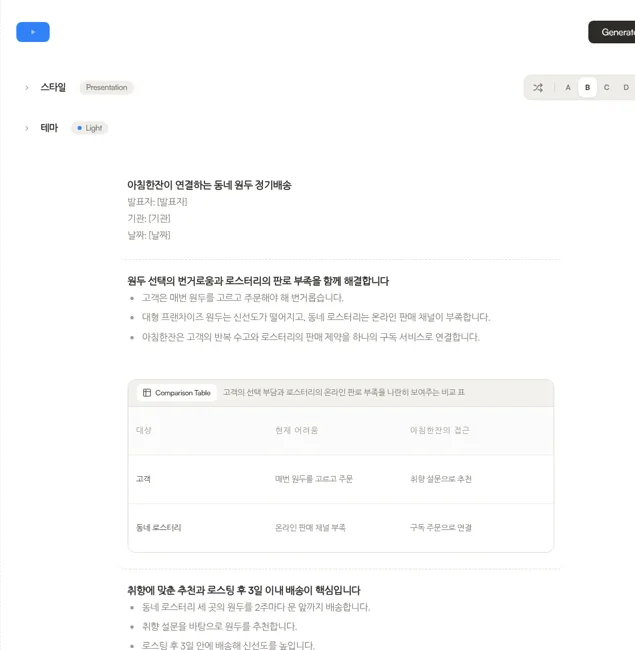
Snapdeck extracts the document's body text and the AI uses it as reference material. Text inside tables is read too, so a schedule or budget kept in a table can carry into the outline and the slides.
Below is an outline started from a sample HWP business plan. The problem and solution, core service, first customers, subscription price, and plan written in the document became the backbone of the outline.
Good to know
Supported formats are HWP 5 and HWPX for Hangul, and DOCX and the Word 97–2003 format (DOC) for Word. Snapdeck reads the main body, so headers, footers, footnotes, and text inside images are not read. Password-protected or distribution-protected documents cannot be opened, so remove the protection before attaching.
Wrapping up
If the document is already written and you were about to rewrite the same content for slides, attach that file instead. The time that went into copying content can go into choosing what to emphasize.