
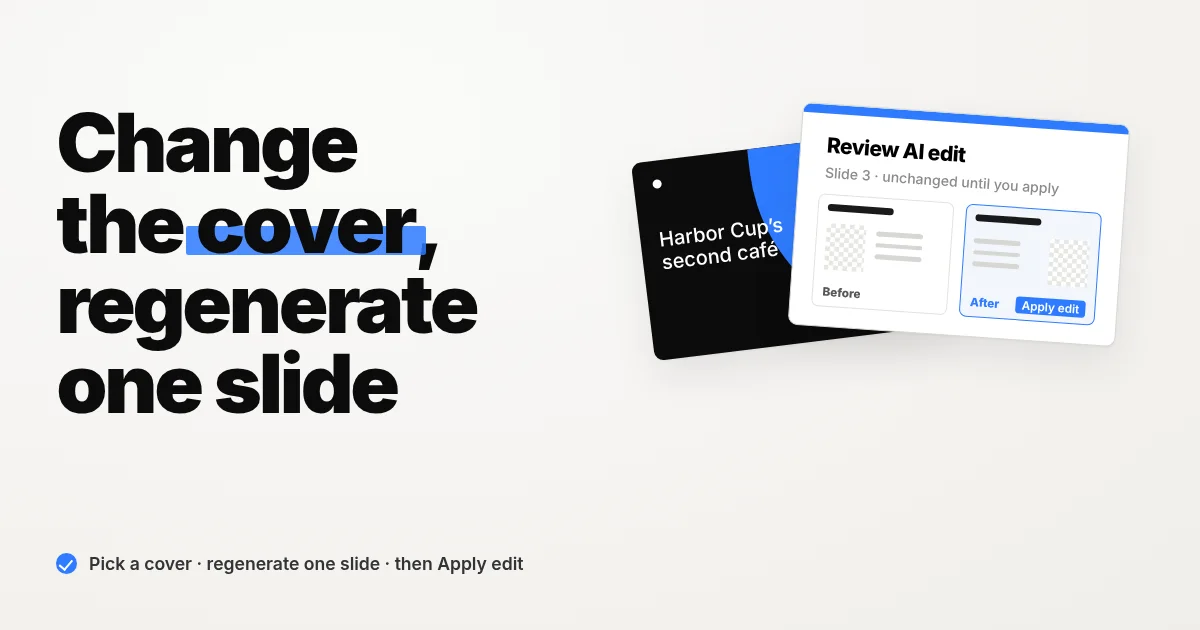
Change the Cover and Regenerate One Slide with AI
Pick a new cover from previews, regenerate just one slide, and compare Before and After before anything changes. Plus home example prompts with Tab.
Product updates, engineering notes, and stories from the Snapdeck team, makers of an AI presentation tool.
Pick a new cover from previews, regenerate just one slide, and compare Before and After before anything changes. Plus home example prompts with Tab.
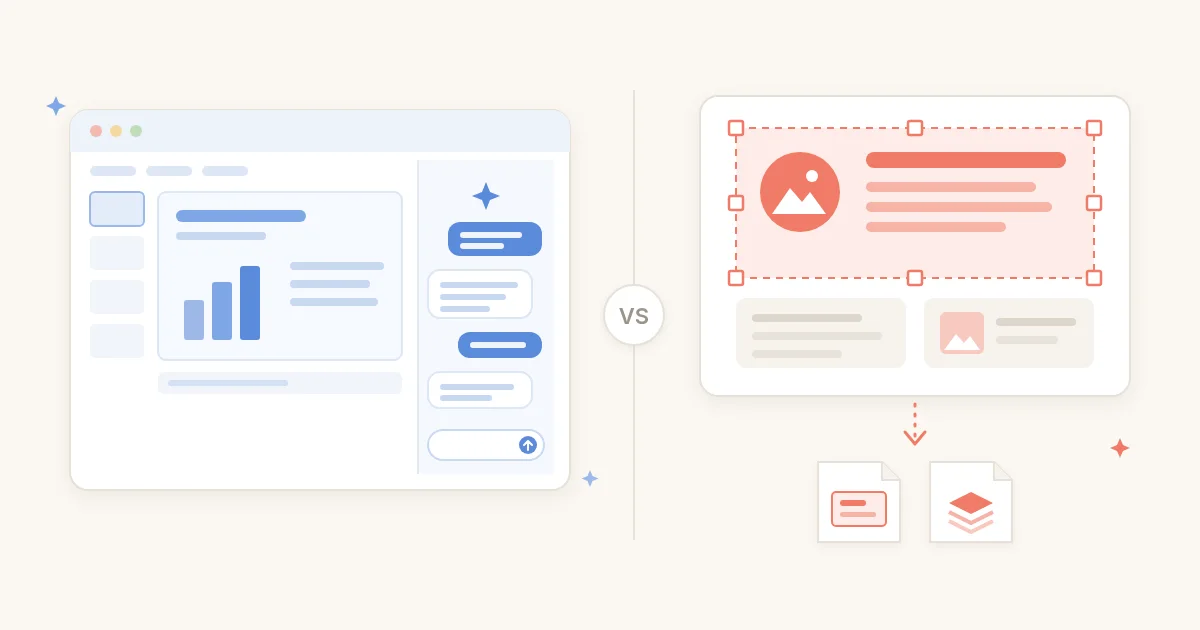
Claude for PowerPoint and ChatGPT for PowerPoint are sidebar add-ins that build and edit slides inside the .pptx you already have—Claude on paid plans (Pro and up), ChatGPT on Free and Go with limited usage plus paid plans. Snapdeck is a separate deck canvas: prompt, style and theme, editor, then PDF, PNG, Figma (.fig), or PPTX. Here's which scene fits which, from official docs and same-day Snapdeck screenshots.
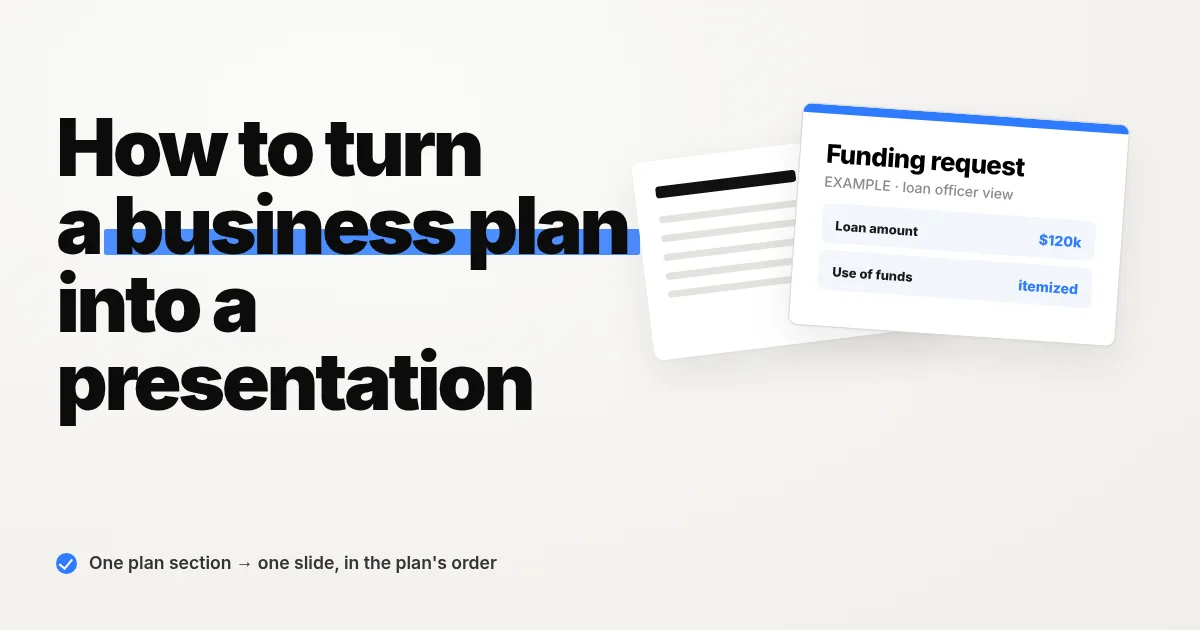
Turn a written business plan into a 10-slide deck for a bank loan meeting: keep the plan's section order, one section per slide, no invented numbers.
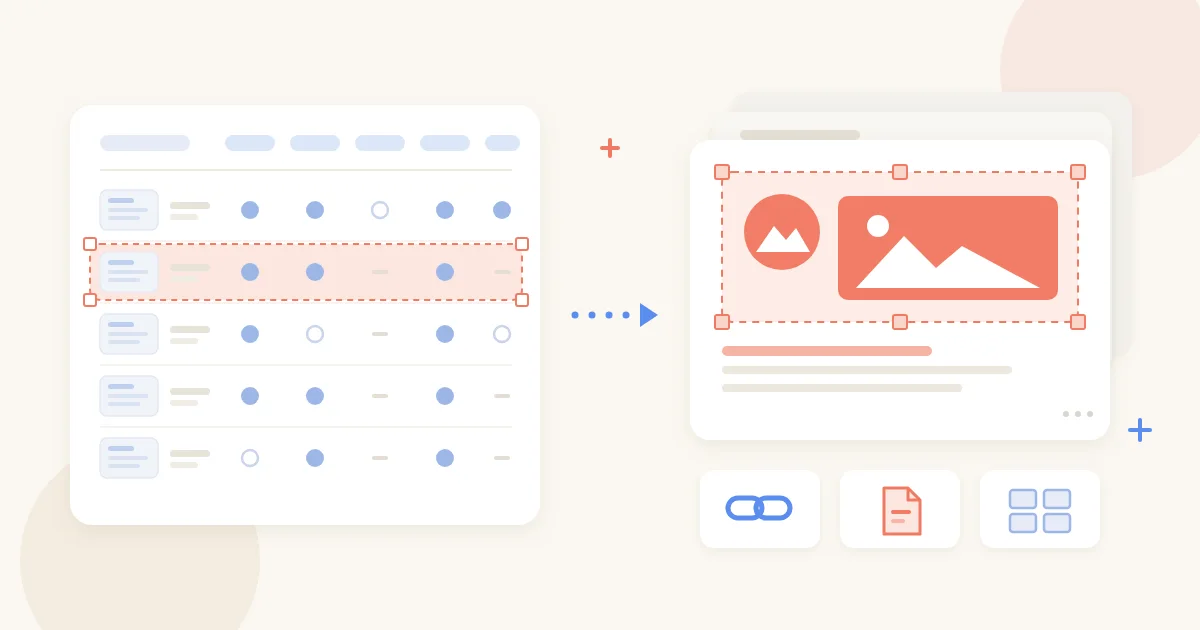
We pulled 13 AI presentation tools—Gamma, Canva, MiriCanvas, Genspark, NotebookLM, PowerPoint Copilot, and more—into one table from our comparison posts: share link, PPTX, Figma, PDF, or a published site, plus what the free plan covers. Grouped by situation, not ranked, with each post's check date.

Build a 10-slide seed pitch deck with AI: put every figure in a fact brief, check the outline for invented numbers, then generate and export.

Spotlight is new in Snapdeck. Click or drag the part of a slide you want to highlight, and it creates a new slide right below with that part sharp and the rest dimmed. Your original slide stays as it is.
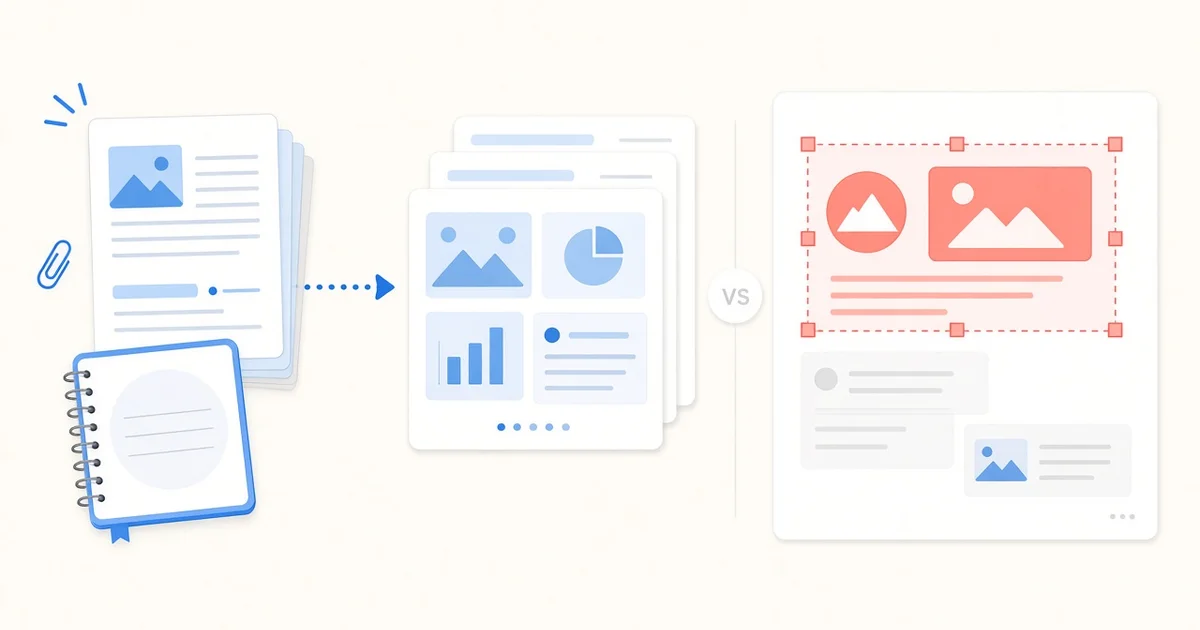
Gemini Notebook (formerly NotebookLM) turns uploaded sources into a Slide Deck you can present in-app or download as PDF or PPTX, and you revise slides with prompts that regenerate a new deck. Snapdeck shows an outline first, lets you edit on a web canvas, then exports PDF, PNG, Figma (.fig), or PPTX—PDF and PNG on Free, PPTX and Figma from Pro. Here's where each fits, from official docs and same-day Snapdeck screenshots.
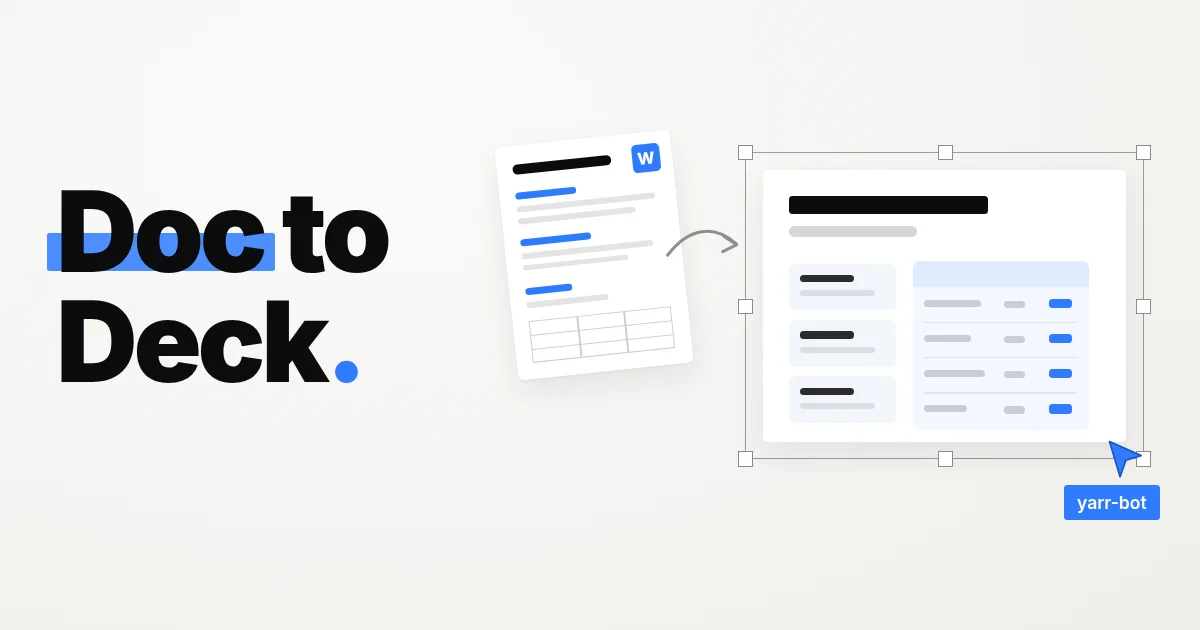
Turn a Word report into an editable deck with AI: attach the .docx, check the outline against your headings and tables, then generate and export.
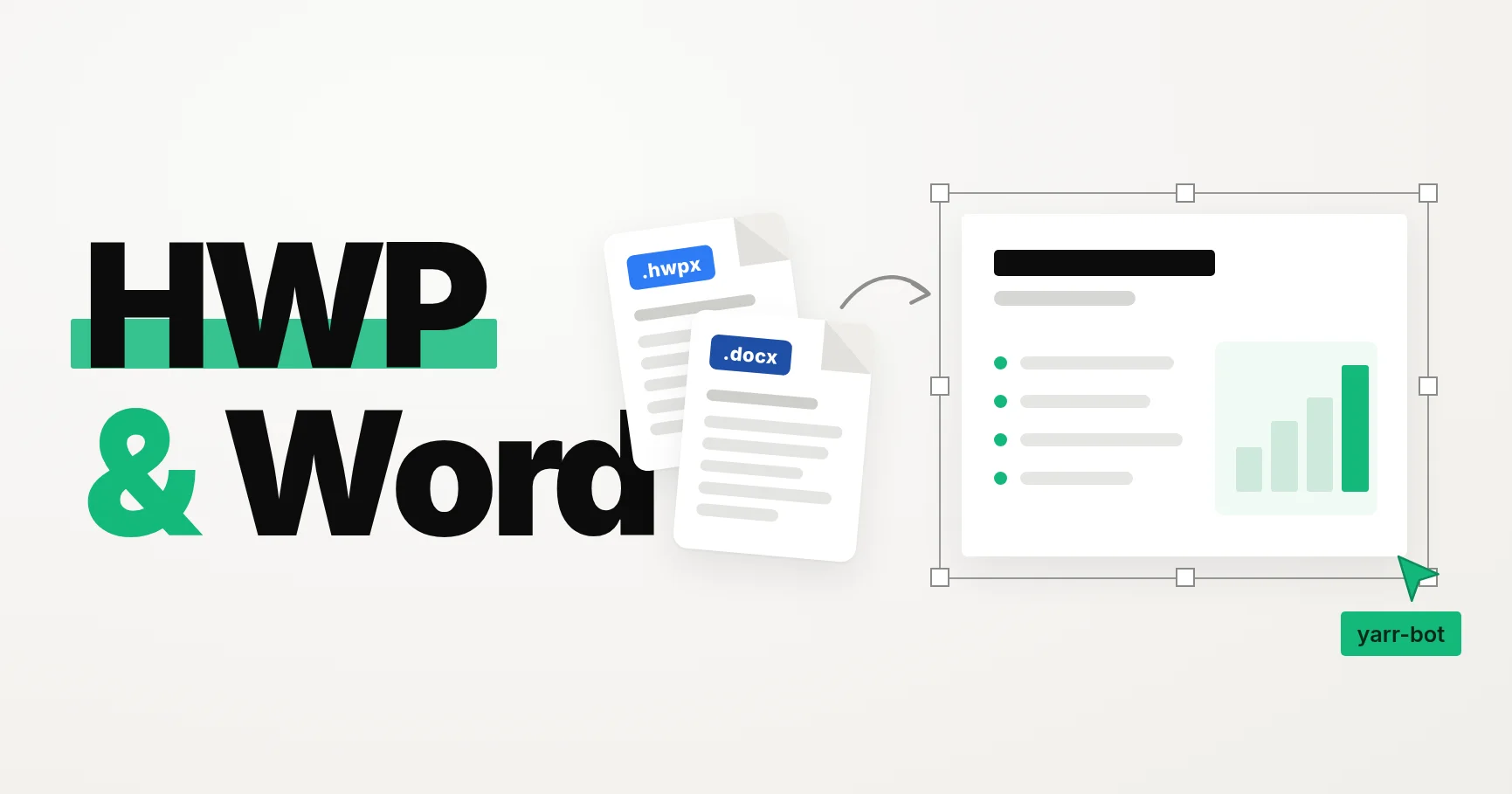
Snapdeck now accepts HWP, HWPX, DOC, and DOCX attachments. Attach the document you already wrote, and the AI reads its body and tables to build the deck.
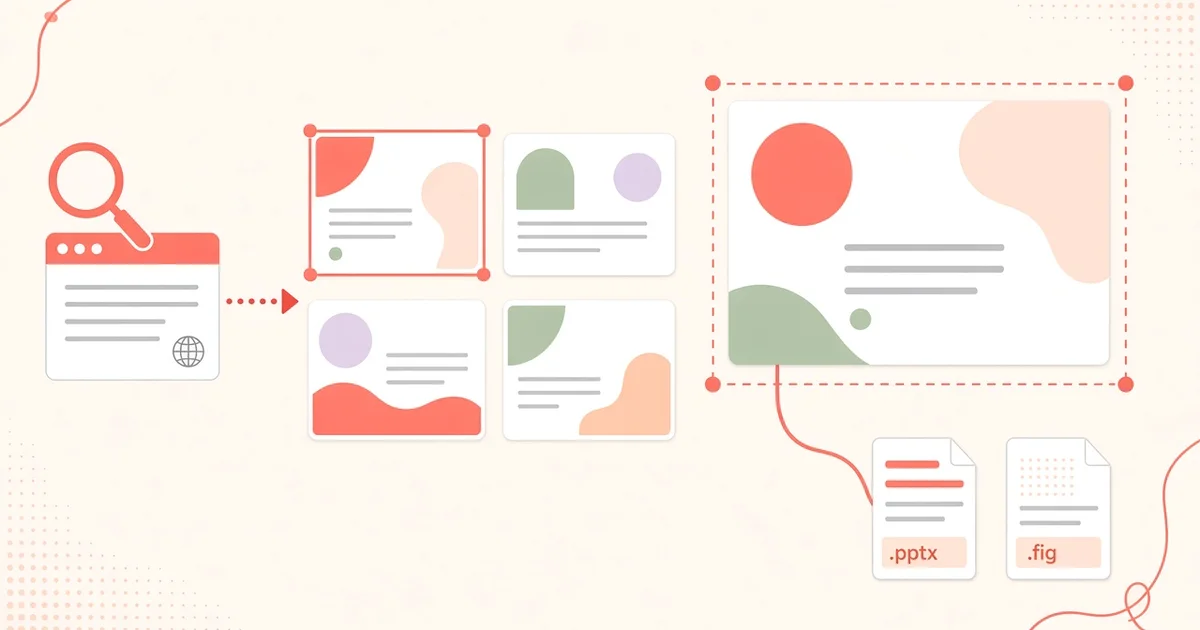
Genspark AI Slides is an agent that researches, structures, and designs a deck for you, with speaker notes and PDF, PPTX, or Google Slides export, but exporting any format needs a paid plan. Snapdeck has you review the outline, pick a style and theme, edit on a web canvas, then export PDF, PNG, Figma (.fig), or PPTX; PDF and PNG work on Free, PPTX and Figma from Pro. Here's where each fits, from official docs and same-day screenshots.
A company profile deck tells partners, clients, or hiring candidates who you are. Paste a brief, add your website for brand theme, review the outline, then export.
MiriCanvas AI Presentation turns a topic or PDF into a designed deck from Korean-style templates, and its free plan includes 5 AI decks a month with PPTX download. Snapdeck builds from a prompt through an outline and a style on a web canvas, then exports PDF, PNG, Figma (.fig), or PPTX—PPTX and Figma from Pro. Here is where each fits, based on public pages and same-day screenshots.
Visme pitches an AI-powered all-in-one visual content platform—presentations, documents, data viz, social, video, and more—with Brand Kit, interactivity, and a content calendar. Snapdeck is deck-first: prompt → outline → style on a web canvas, then PDF, PNG, Figma (.fig), or PPTX. Same job when the deliverable is a deck. Different scope when you also need infographics, social graphics, or video in one product.
Prezi builds from a topic or imported slides, then runs live polls, quizzes, and Q&A with one QR code—and keeps teaching afterward with flashcards, self-tests, podcast, and narrated video. Snapdeck builds on a web canvas—outline, style, Figma-style edits—then exports PDF, PNG, Figma (.fig), or PPTX. Same job: a deck. Different finish line: interactive session plus follow-up learning, or file handoff.
Decktopus Studio builds a presentation or carousel from a topic or file, then Loop coaches delivery with four AI agents and a Readiness Score. Snapdeck builds on a web canvas—outline, style, Figma-style edits—then exports PDF, PNG, Figma (.fig), or PPTX. Same job: a deck. Different finish line: rehearse in-product, or hand off the file.
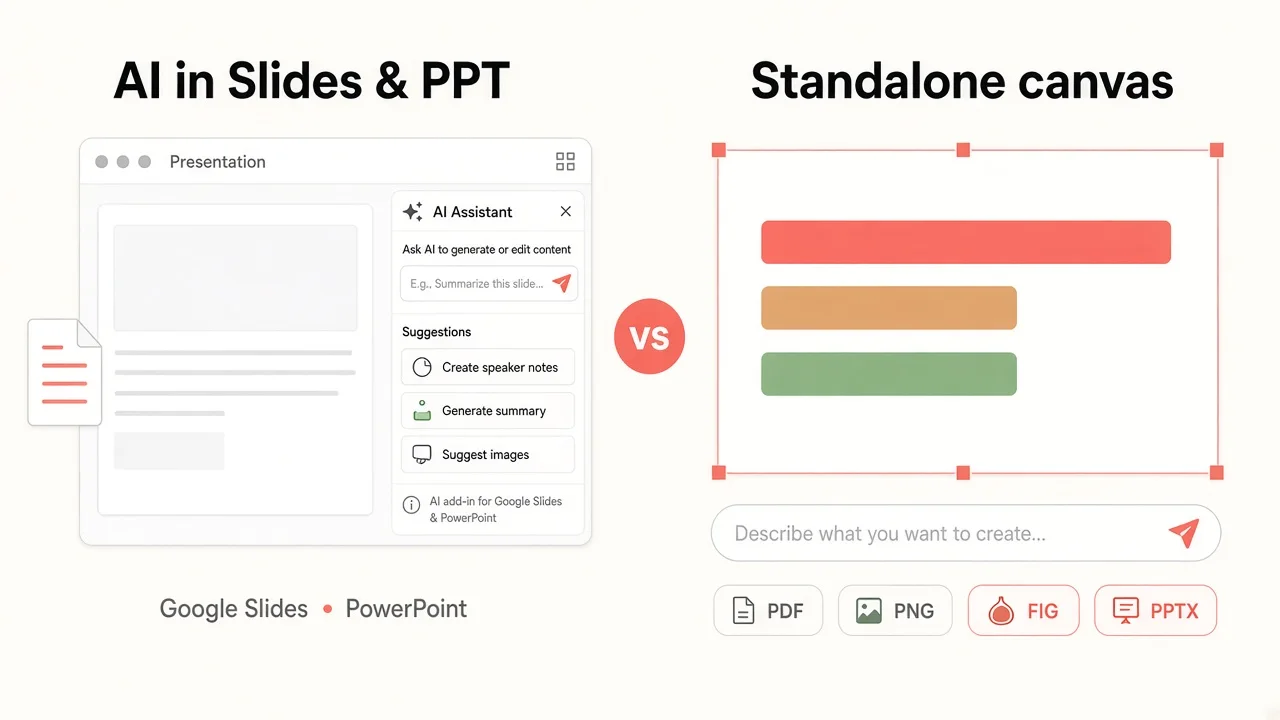
Plus AI is an add-on that builds native PowerPoint and Google Slides files where you already edit. Snapdeck is a web canvas: outline first, then style, then PDF, PNG, Figma, or PPTX export. Same job—new deck—different home for the file.
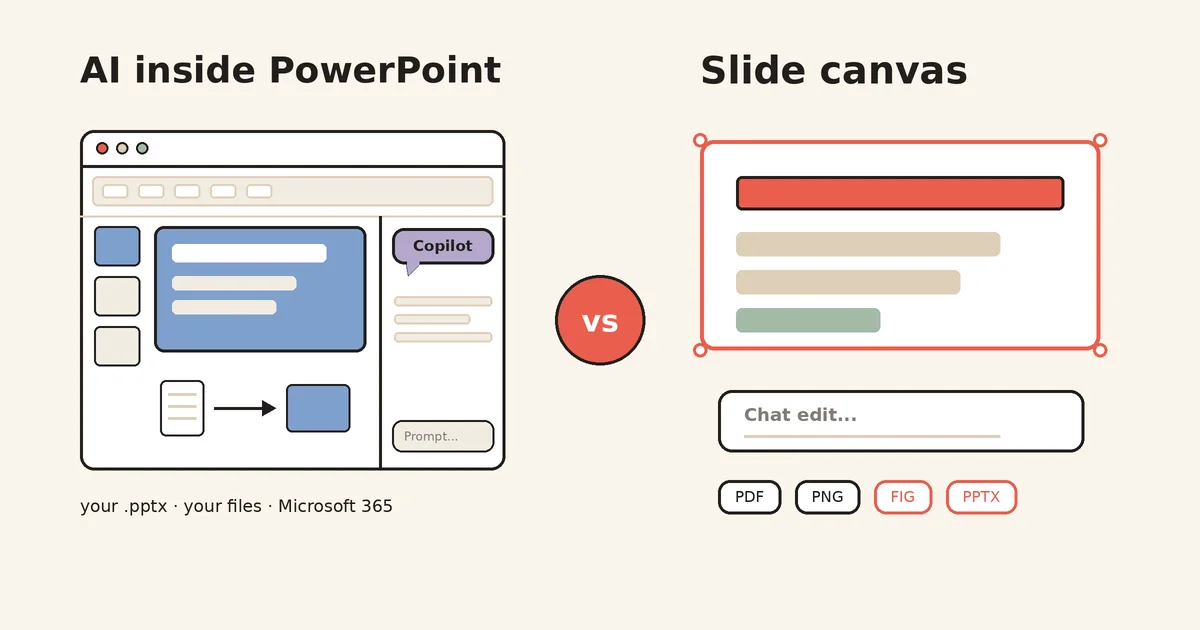
Copilot in PowerPoint works inside the .pptx you already have: rewrite, summarize, speaker notes, brand kits, co-authoring. Microsoft lists Korean as supported but says quality is highest in English. Snapdeck starts from a blank prompt: outline check, style and theme, area-level AI edits, and PDF, PNG, Figma, or PPTX export.
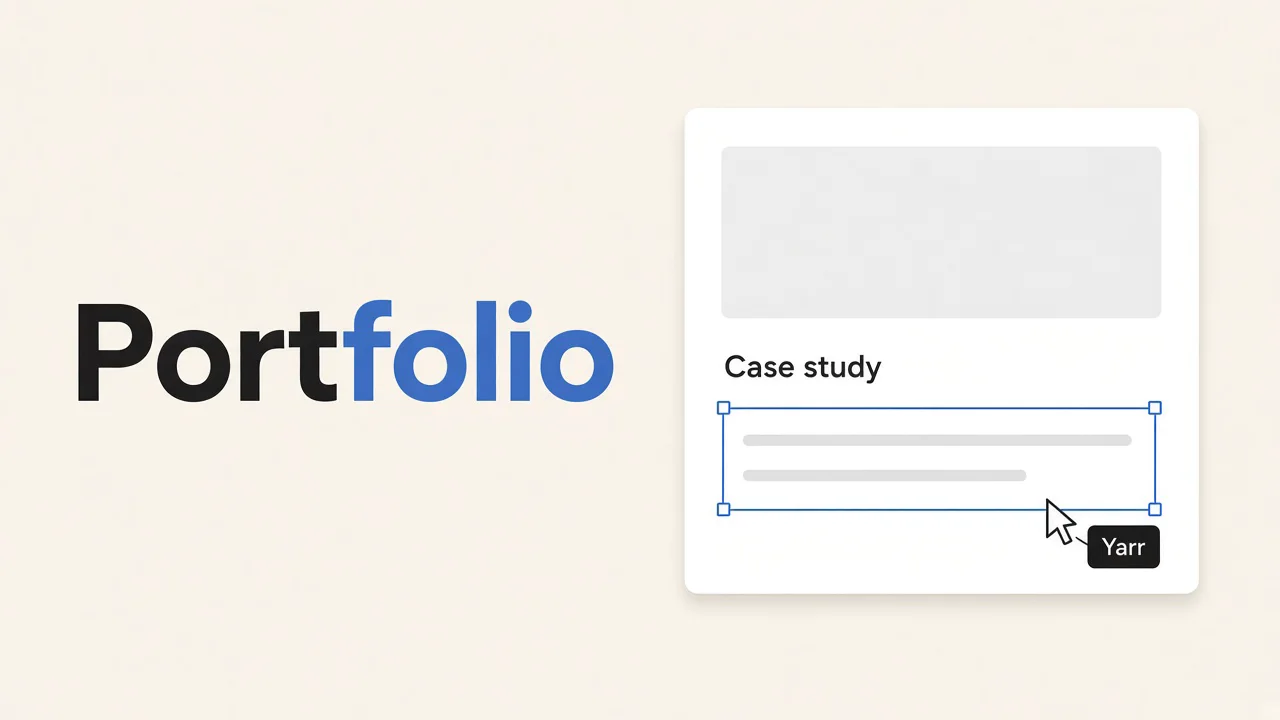
Snapdeck, Gamma, Canva, and Manus can start a portfolio from a prompt. Pick a published site, or a slide deck you edit and export to PPTX or Figma.
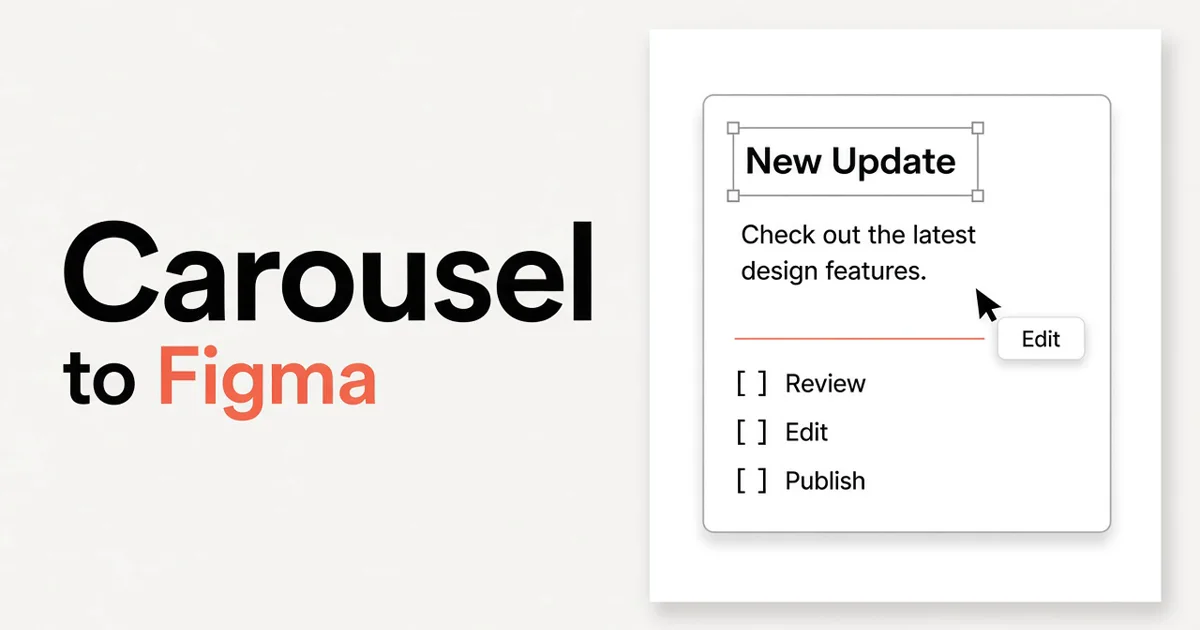
Choose 4:5 in Snapdeck, generate an Instagram carousel with AI, edit the slides, then export Figma (.fig) or PowerPoint (.pptx).
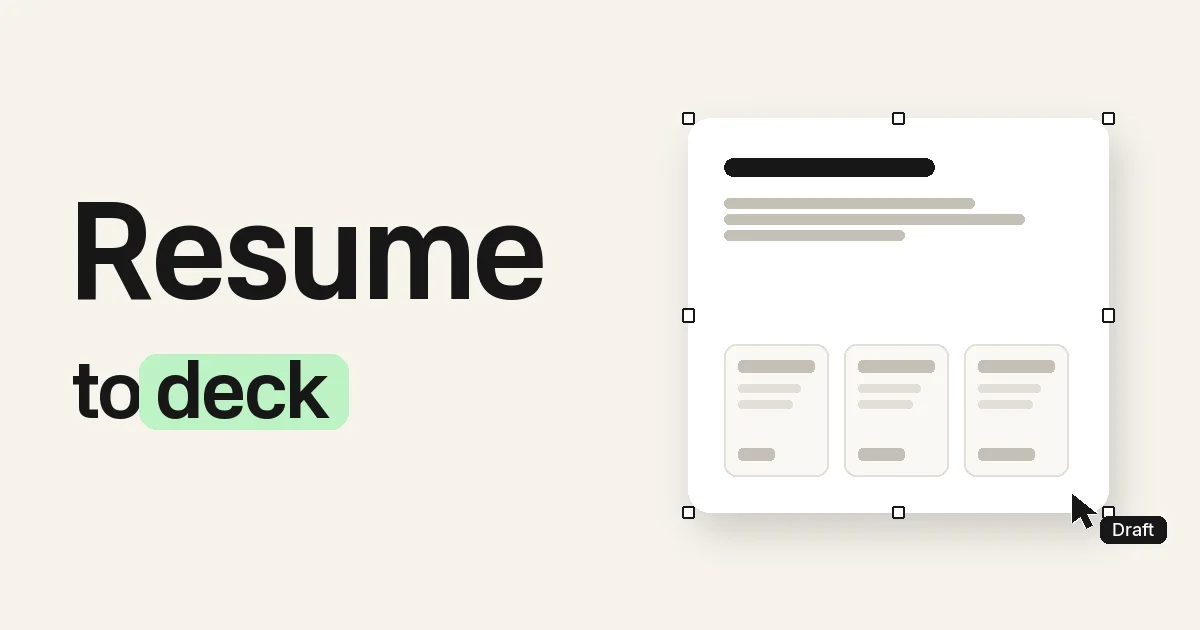
Paste, upload, or describe your resume. Snapdeck drafts an editable portfolio deck. Export PPTX or Figma on a paid plan. Free covers about 2 decks.
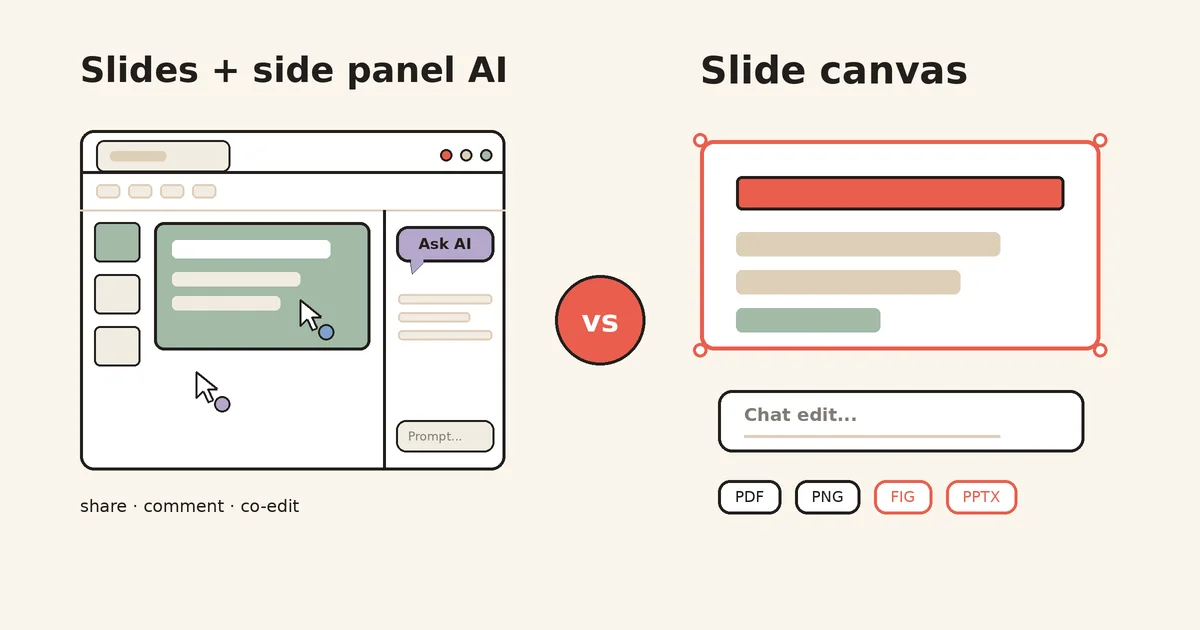
Google Slides is free and strong at real-time co-editing, comments, roles, and presenter view. But Gemini's full-deck generation is desktop and English only, on an eligible paid plan. Snapdeck focuses on making the deck: a Korean UI, chat edits, PPTX import, and PDF, PNG, Figma, or PPTX export.
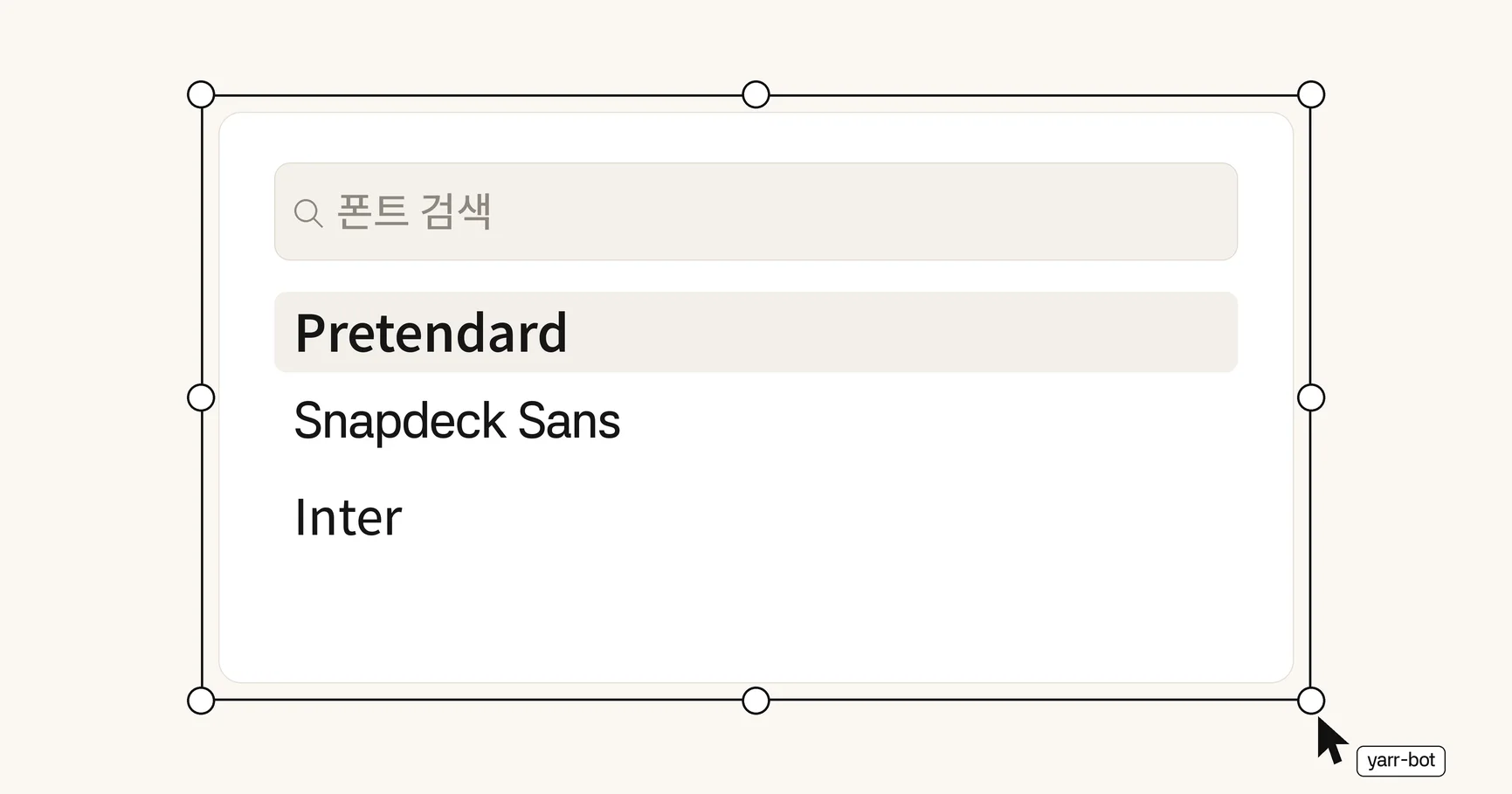
The Typography font menu now has a search field. The editor adds more families with license notes, and a custom theme can save those fonts and weights.
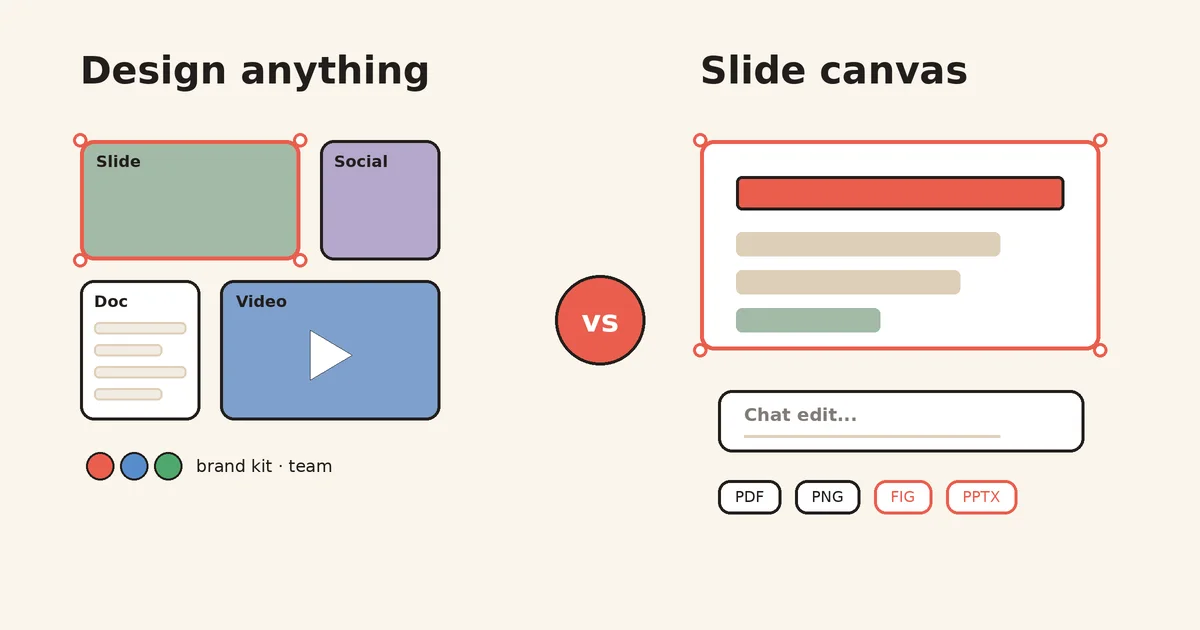
Canva puts presentations next to docs, social posts, video, and websites, with Brand Kits and live audience tools. Snapdeck focuses on the deck itself: prompt, chat edits, PPTX import, and PDF, PNG, Figma, or PPTX handoff.
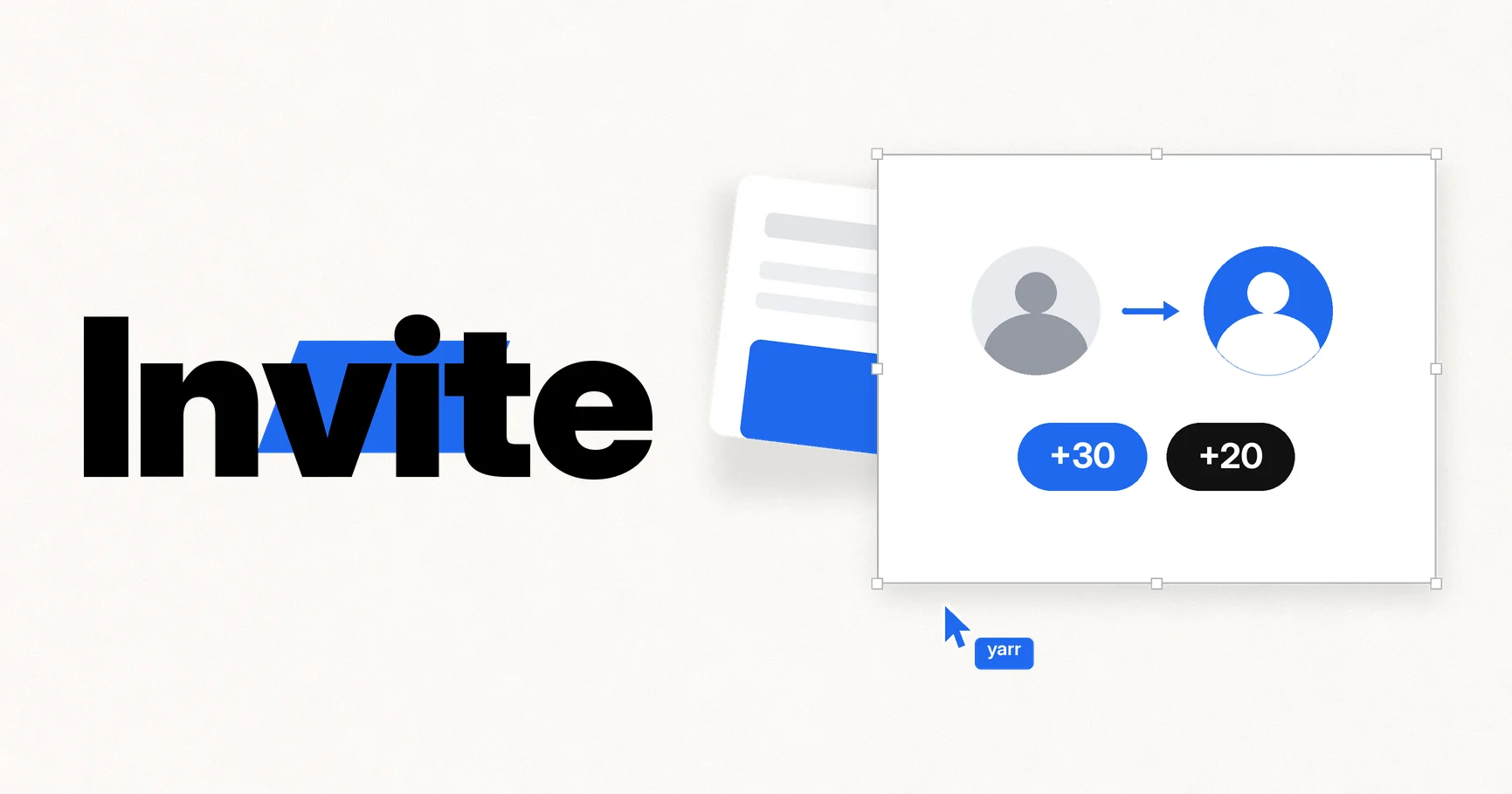
Referral signup rewards are now 30 credits each, and both of you get 20 more when the invitee finishes their first AI slide.
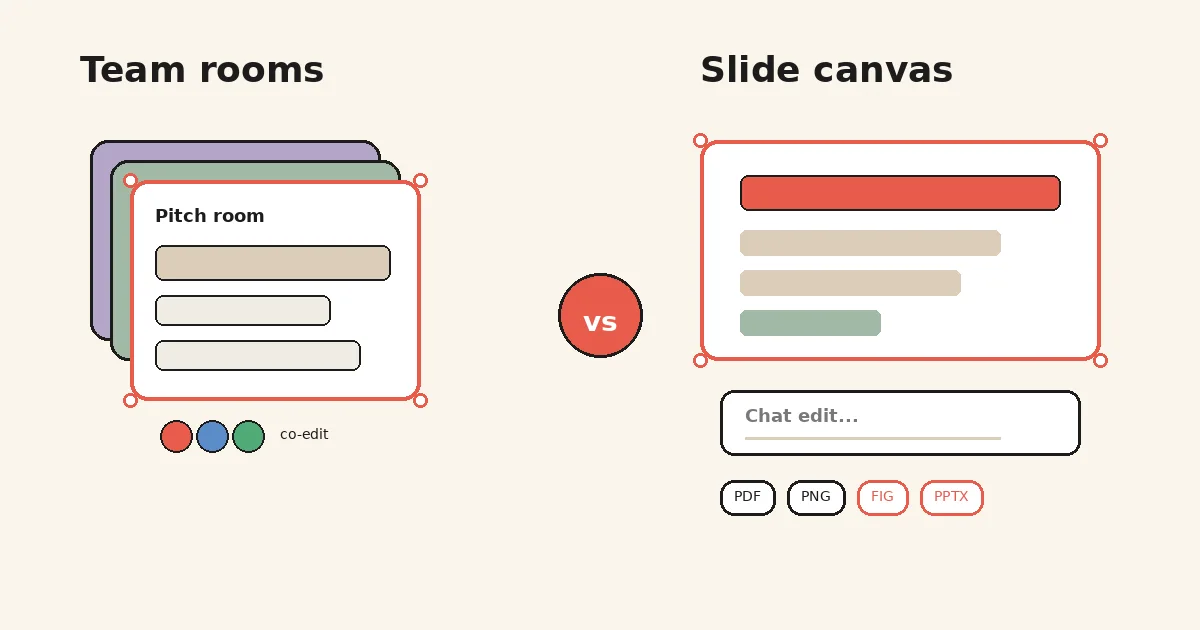
Pitch centers team co-editing, pitch rooms, and deal follow-up. Snapdeck starts from a home prompt on a slide canvas, then chat edits and handoffs to PPTX or Figma.
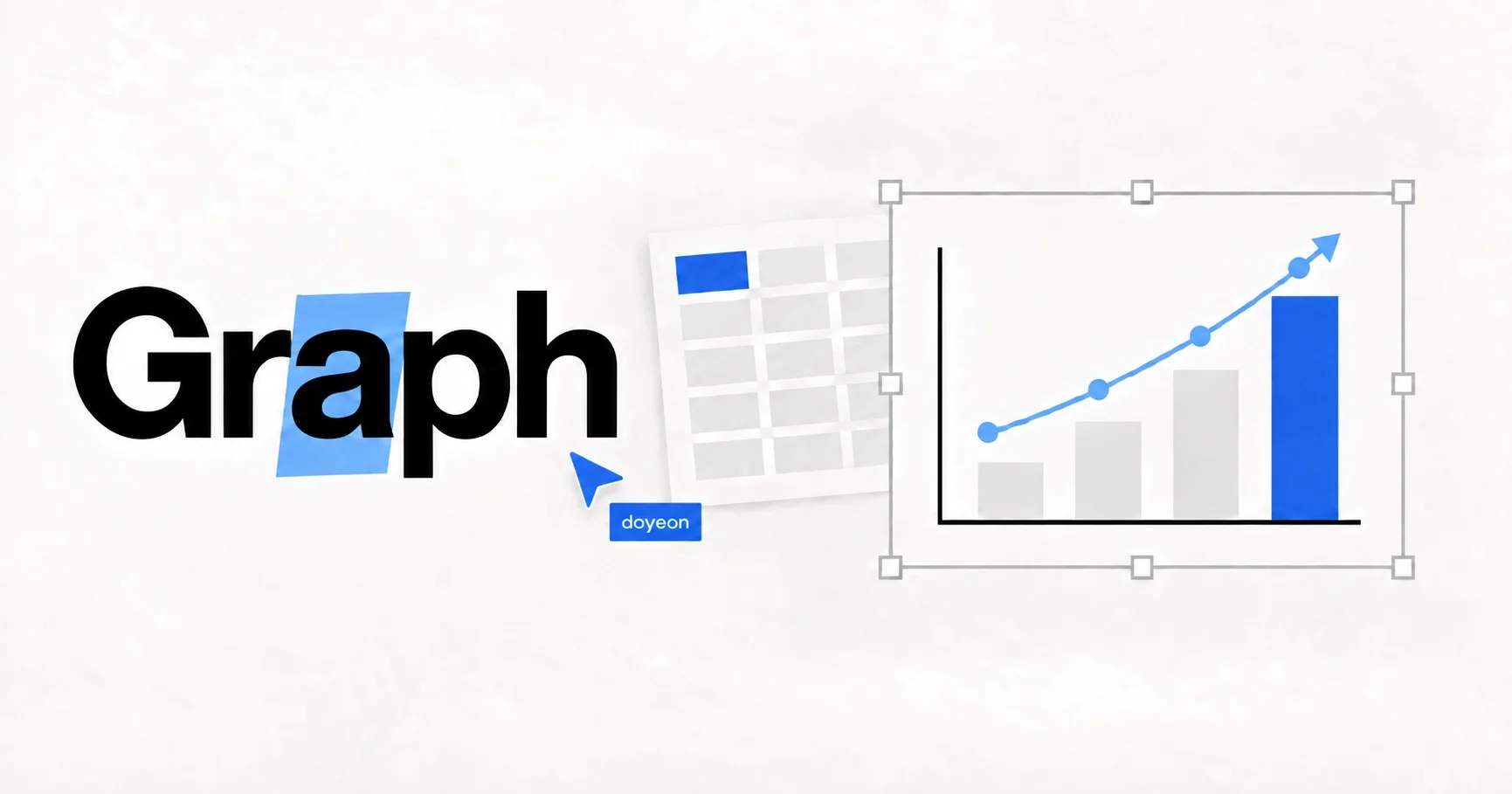
Pick the cells you want in CSV, Excel, or Google Sheets and place an editable chart on the slide without retyping the numbers.
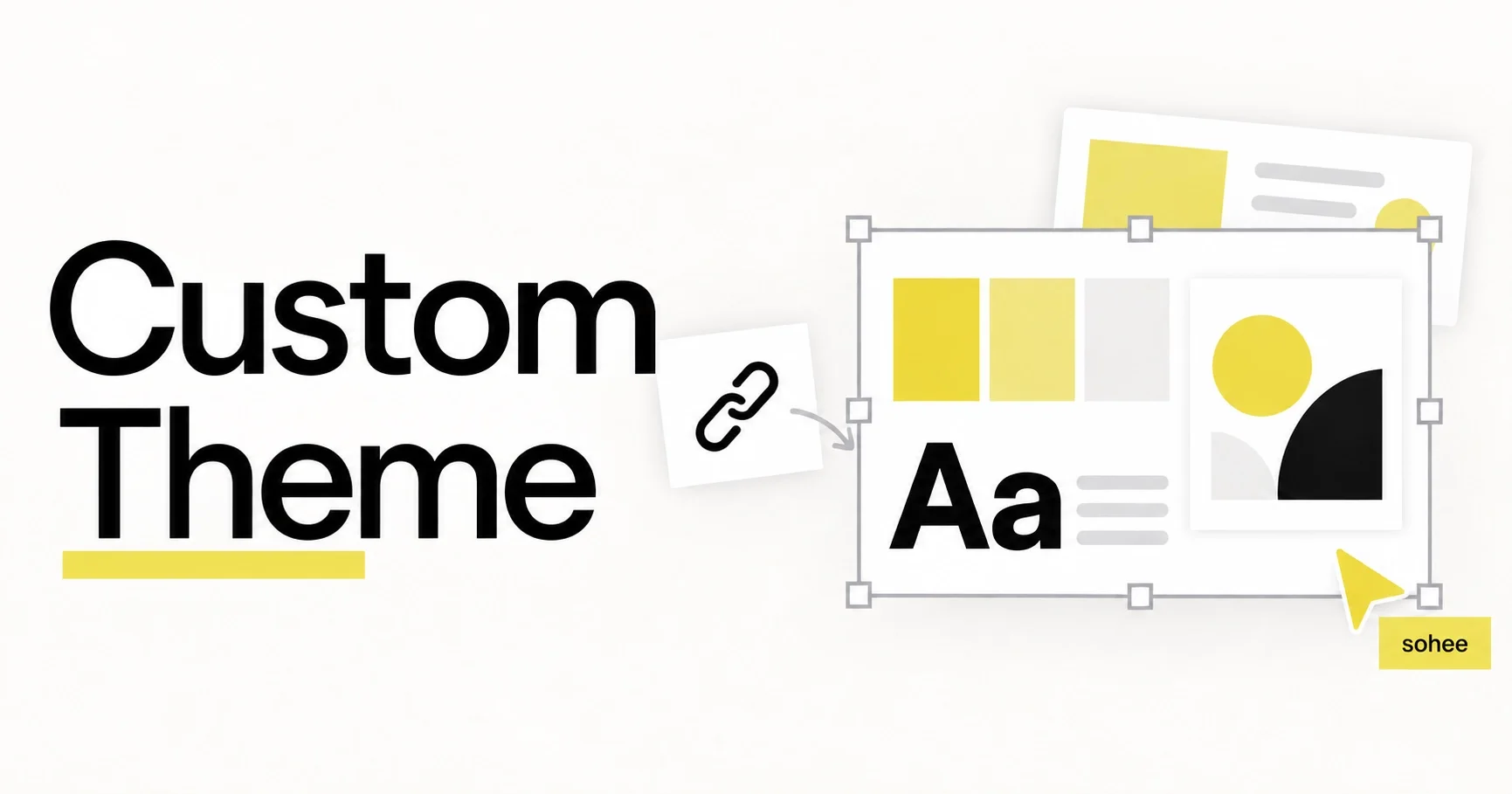
Enter a website URL and Snapdeck builds a custom theme from that site's colors, fonts, and logo, ready to apply when you generate slides.
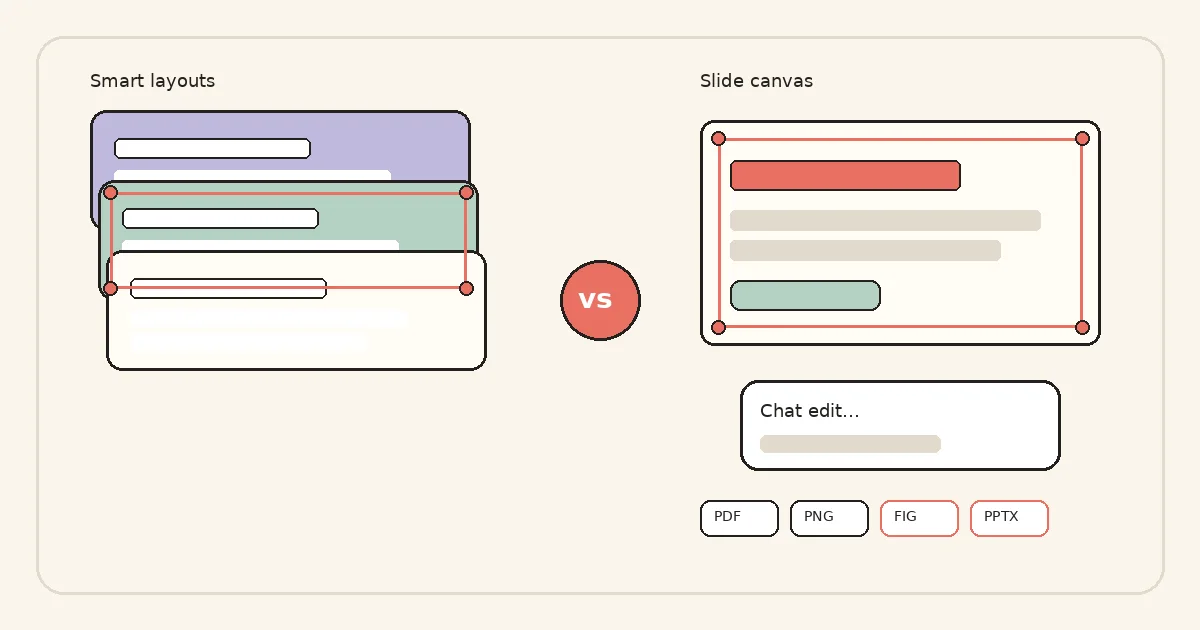
Beautiful.ai leans on Smart Slides that auto-align as you edit. Snapdeck starts from a prompt on a slide canvas, then chat edits and handoffs to PPTX or Figma.
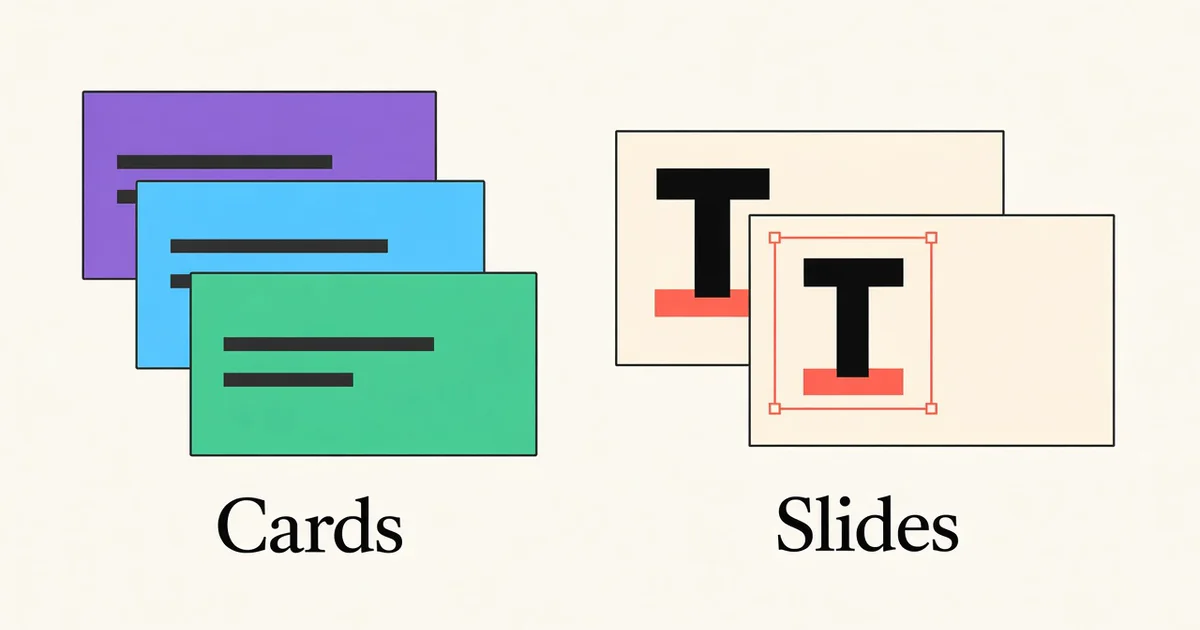
Both tools draft a presentation from a prompt. Gamma stays with web cards you can publish and share. Snapdeck stays with a slide canvas you can send on as PPTX or Figma.
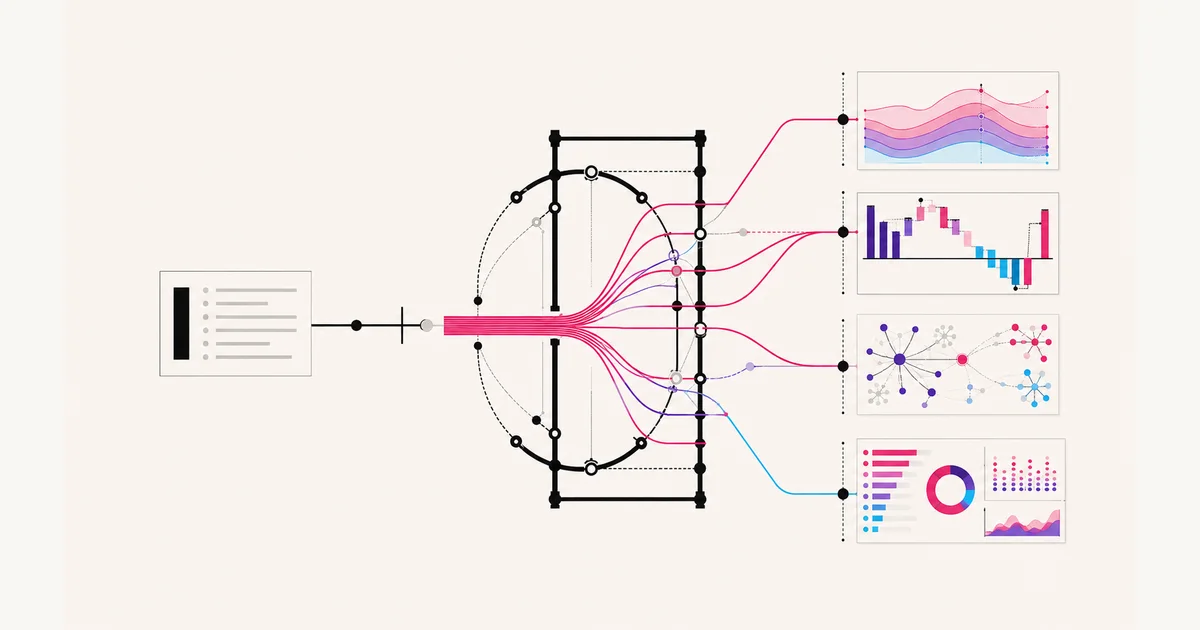
Piece of Cake 1.6 Pro generates 1.7× faster with a rebuilt composition harness that explores bolder layouts while keeping every fact intact.
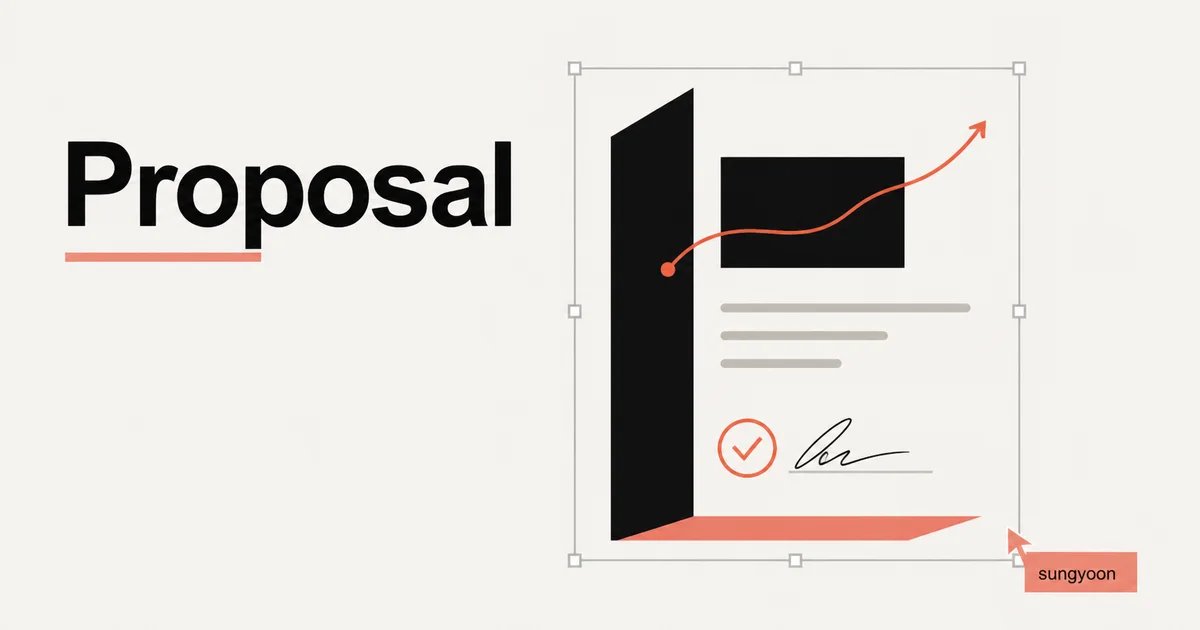
Proposal turns supplied facts into a reviewable decision document with a recommendation, scope, workplan, risks, and a clear approval ask.
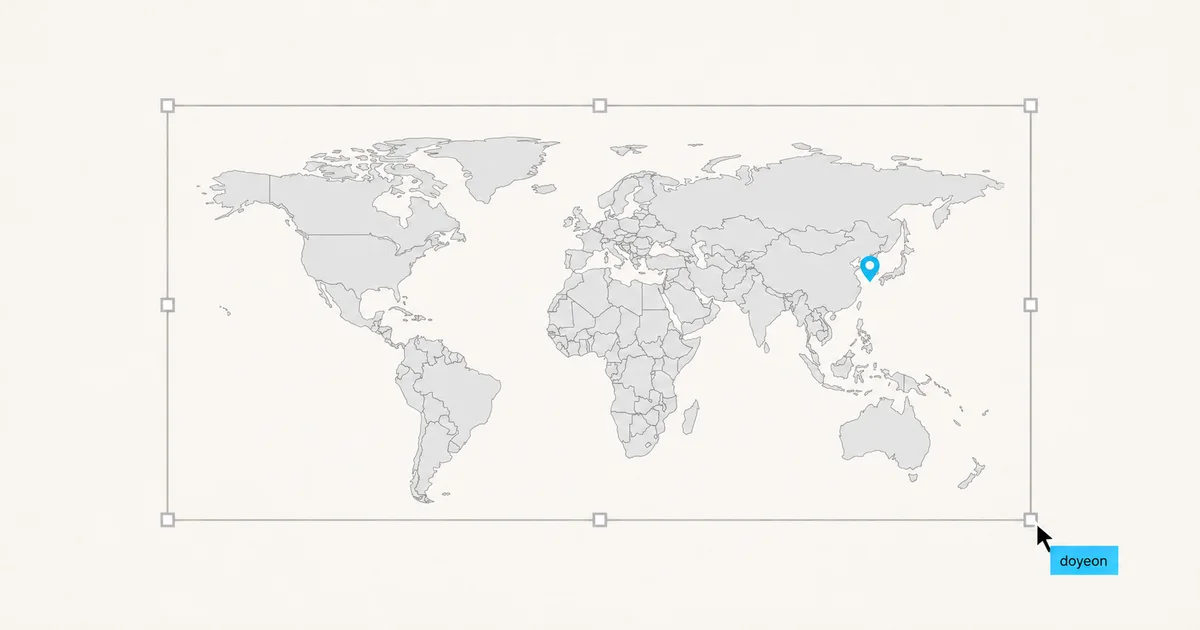
Find 27 world, continent, and country maps in the Snapdeck asset library and place them on the canvas as sharp SVG elements.
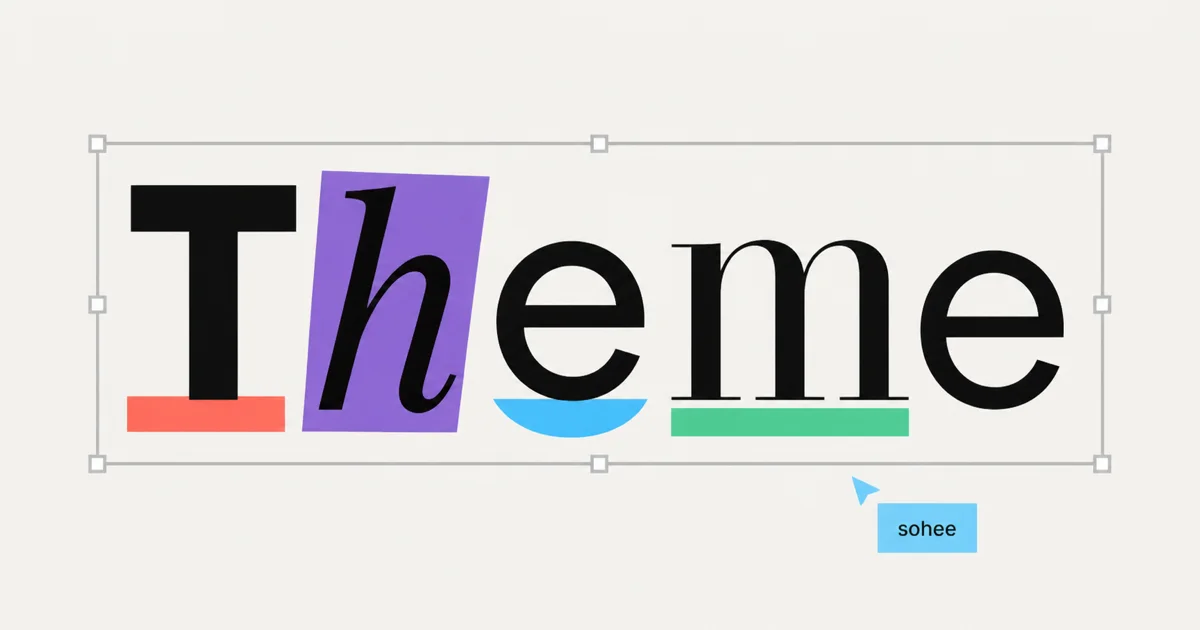
Set your brand colors and typography once, preview them before generation, and reuse them as a style set across future Snapdeck decks.
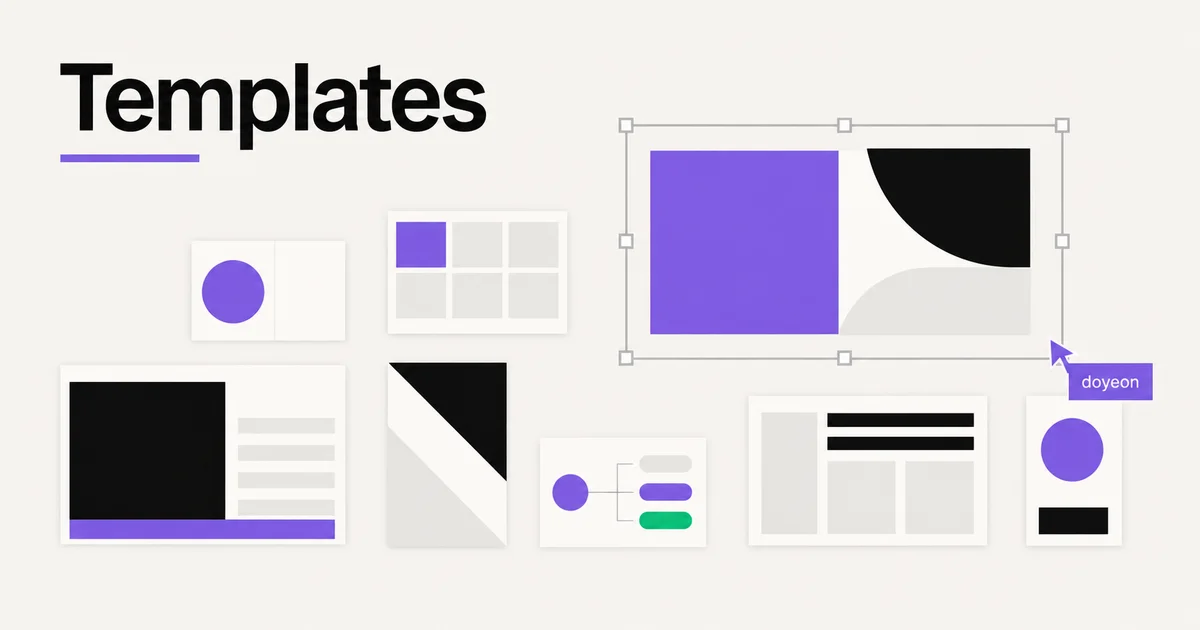
Preview a full presentation template, refine the source slide by slide, and generate your content inside a visual system that already works.
Portfolio turns project material into a clear case study of the problem, your role, the evidence, the decision, and the honest outcome.
Building on the previous Pro model's 86% internal slide-generation quality level, Piece of Cake 1.5 Pro improves layout completeness, purpose fit, and source fidelity—at the same price.
Snapdeck decks can now be exported as Figma-importable .fig files, with slide frames and editable layers preserved where possible.
As of June 20, 2026, Snapdeck introduces Piece of Cake 1.1 and Piece of Cake 1.0 Pro: Gemma 4-based fine-tuned models for slide generation, PPTX-aware editing, and template-constrained work.
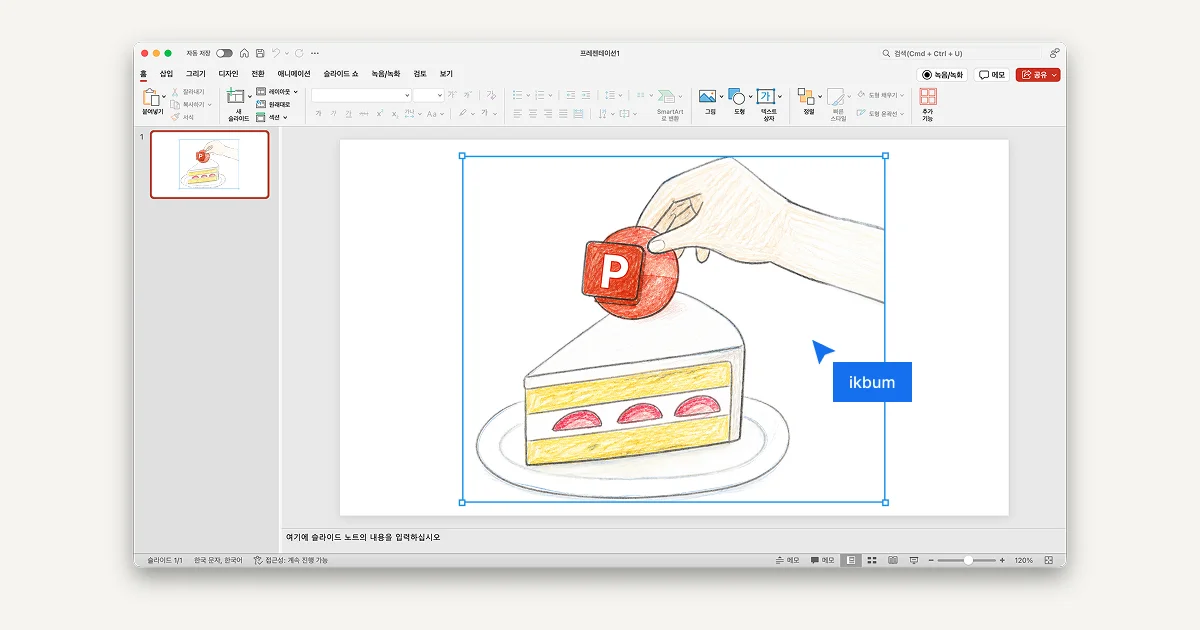
You can now bring an existing PowerPoint file into Snapdeck, edit it with AI, and export it back as an editable PPTX.
As of June 19, Snapdeck supports more AI models for slide generation, Magic Edit, and image work.
Snapdeck now has a 4:5 social carousel mode for Instagram, Threads, LinkedIn, and other feeds — made for swiping, saving, and sharing from the start.
A step-by-step guide to creating, reviewing, regenerating, and editing AI slides with Snapdeck.

After comparing thousands of fonts on font.snapdeck.app, we built Snapdeck Sans: a 6-weight, 12,202-glyph OFL typeface tuned for Korean slides, product UI, and PDF export.
A new logo, a rebuilt editor, and months of changes we kept shipping quietly — here's what actually changed in Snapdeck.
font.snapdeck.app started as a two-hour internal font research tool — OFL collection, a DaFont-inspired list UI, and validation through return visits and Threads.

We studied carrying capacity and product management as a team, turned it into a deck — and the response pushed us to renew OnlyDecks.
Snapdeck was selected for TIPS. We'll keep researching and building for our users.

This post is only available in Korean.
The study materials that fueled our first year — funding, competitions, and early traction — are now free PDF decks on OnlyDecks.

We've added Gemini Nano Banana to Snapdeck's image generation stack. More models, better results.
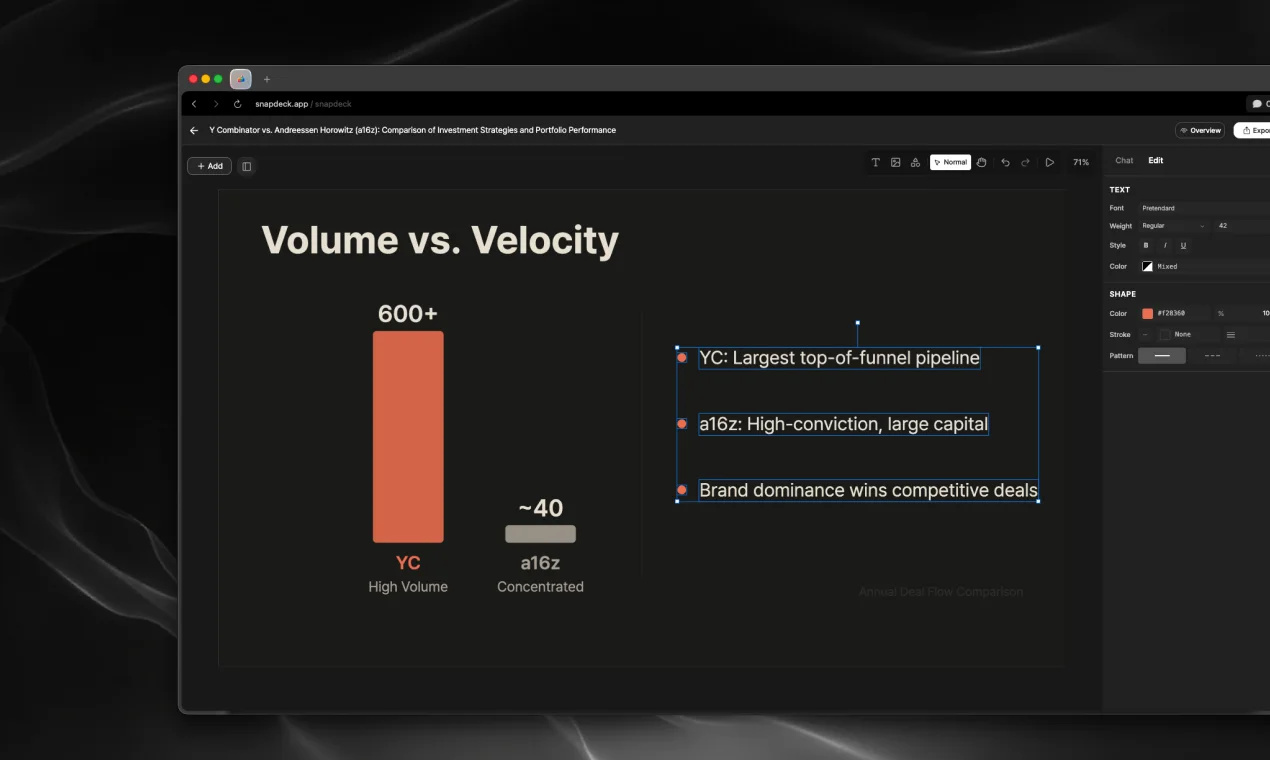
Not more features — fewer walls. We restructured the editor to remove the points where editing breaks down.
As of January 1st, Snapdeck runs on the Gemini 3.0 family. Generation quality, editing stability, and long-context handling all got noticeably better.

Three months after launch, we migrated from Supabase to AWS on Christmas Day. Here's why we made that call.
We've been vibe coding since before it had a name. Here's how we use Cursor + Claude Code — and what we learned the hard way.

I tagged along to Korea's largest private startup competition as an intern — pitching at COEX, of all ways to spend a birthday.

Snapdeck hit #1 Product of the Week on Product Hunt. An inside look at the March-to-launch journey, told from a new team member's perspective.